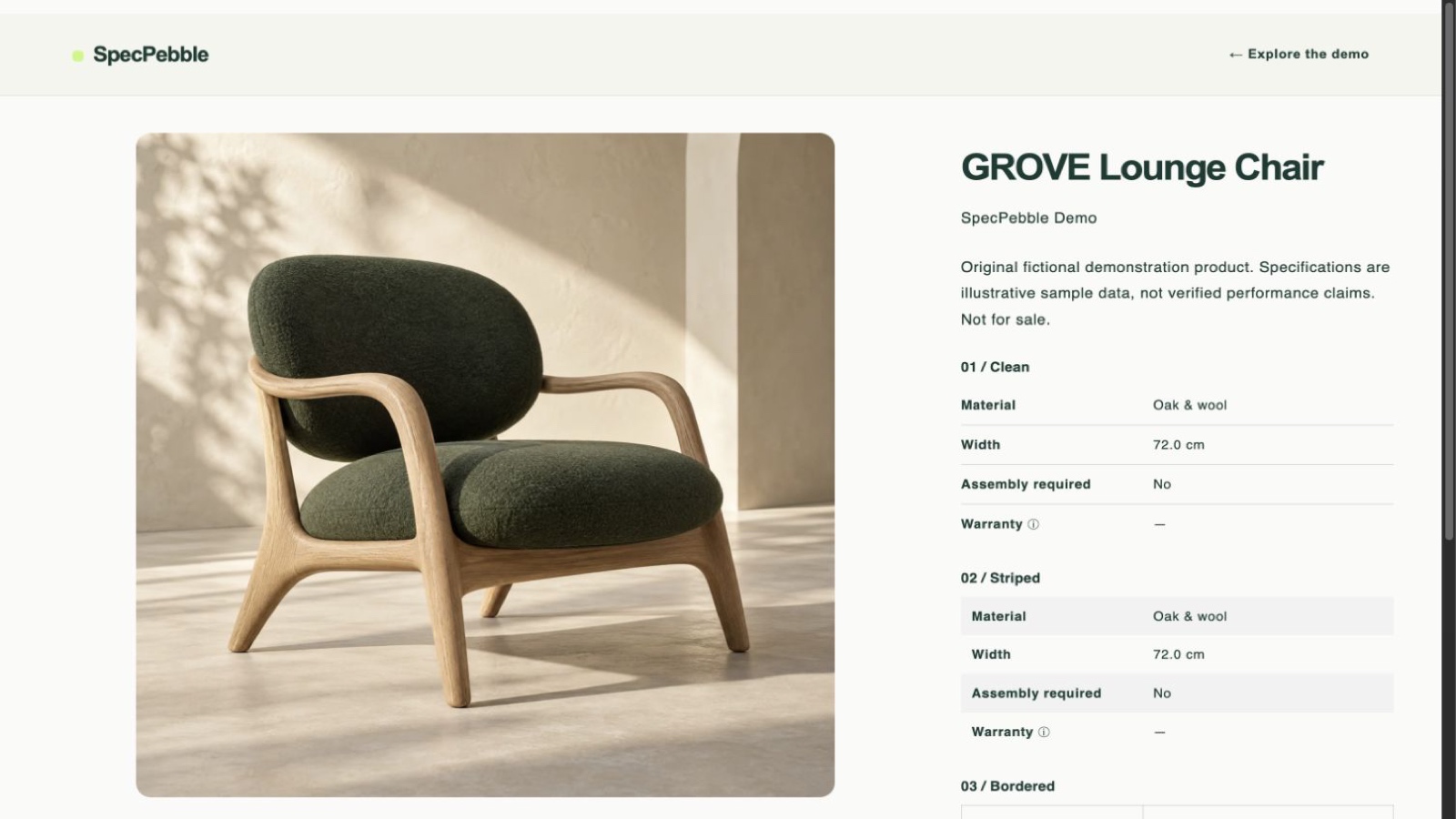
Use the data you already have
Choose product metafields already in Shopify. SpecPebble displays their values without changing your catalog.
 SpecPebbleAdd to Shopify
 PRODUCT SPECS, MADE CLEAR
Turn the product details already in your Shopify store into beautiful, easy-to-scan specification tables.
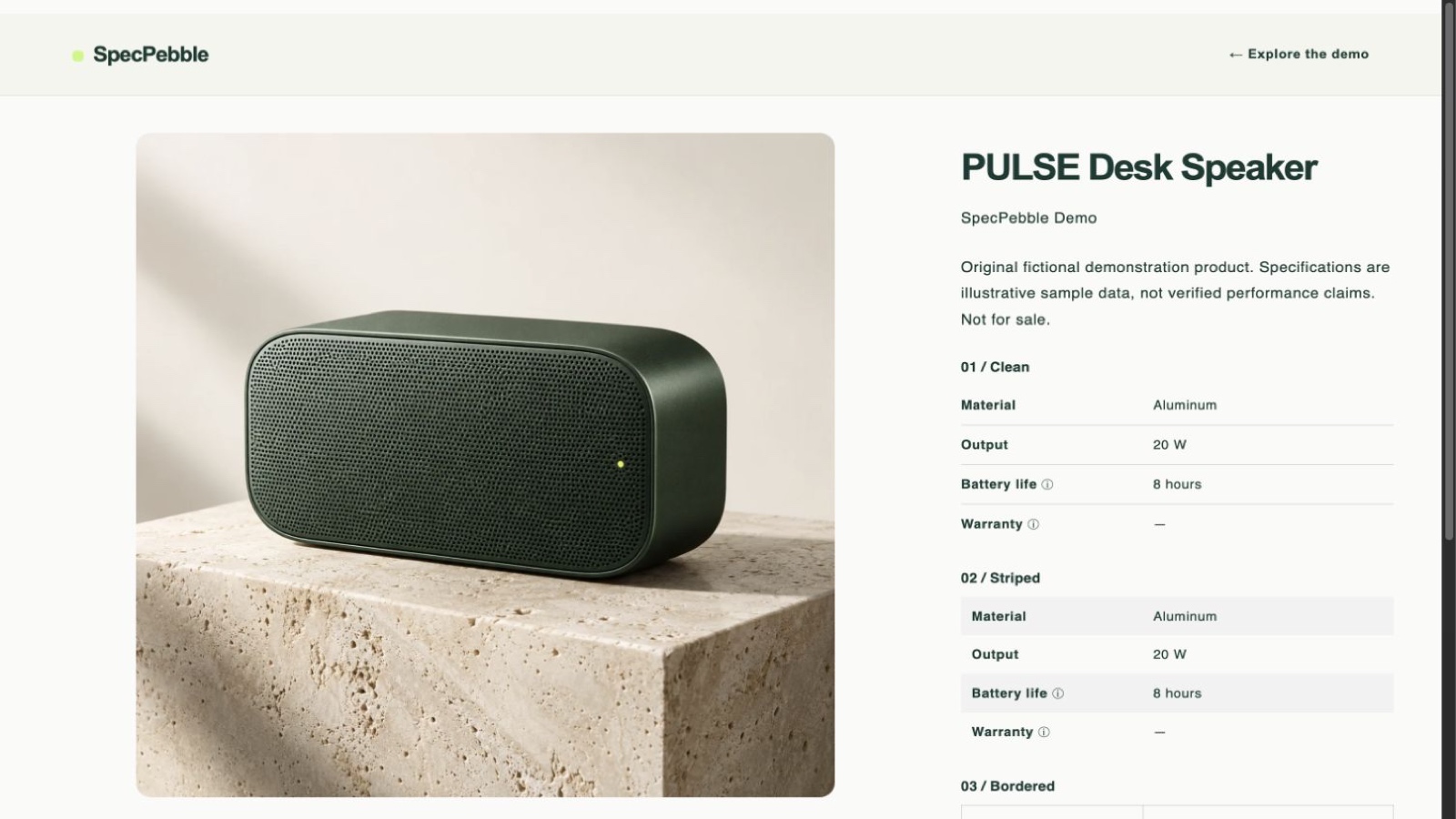 See it in the demo store ↗
CLARITY, WITHOUT THE BUSYWORK
Give shoppers the practical details they need to choose with confidence.
Choose product metafields already in Shopify. SpecPebble displays their values without changing your catalog.
Put the important specs in a clear table that follows your theme typography and works on small screens.
Preview your table, then add its block where it belongs in the Shopify theme editor.
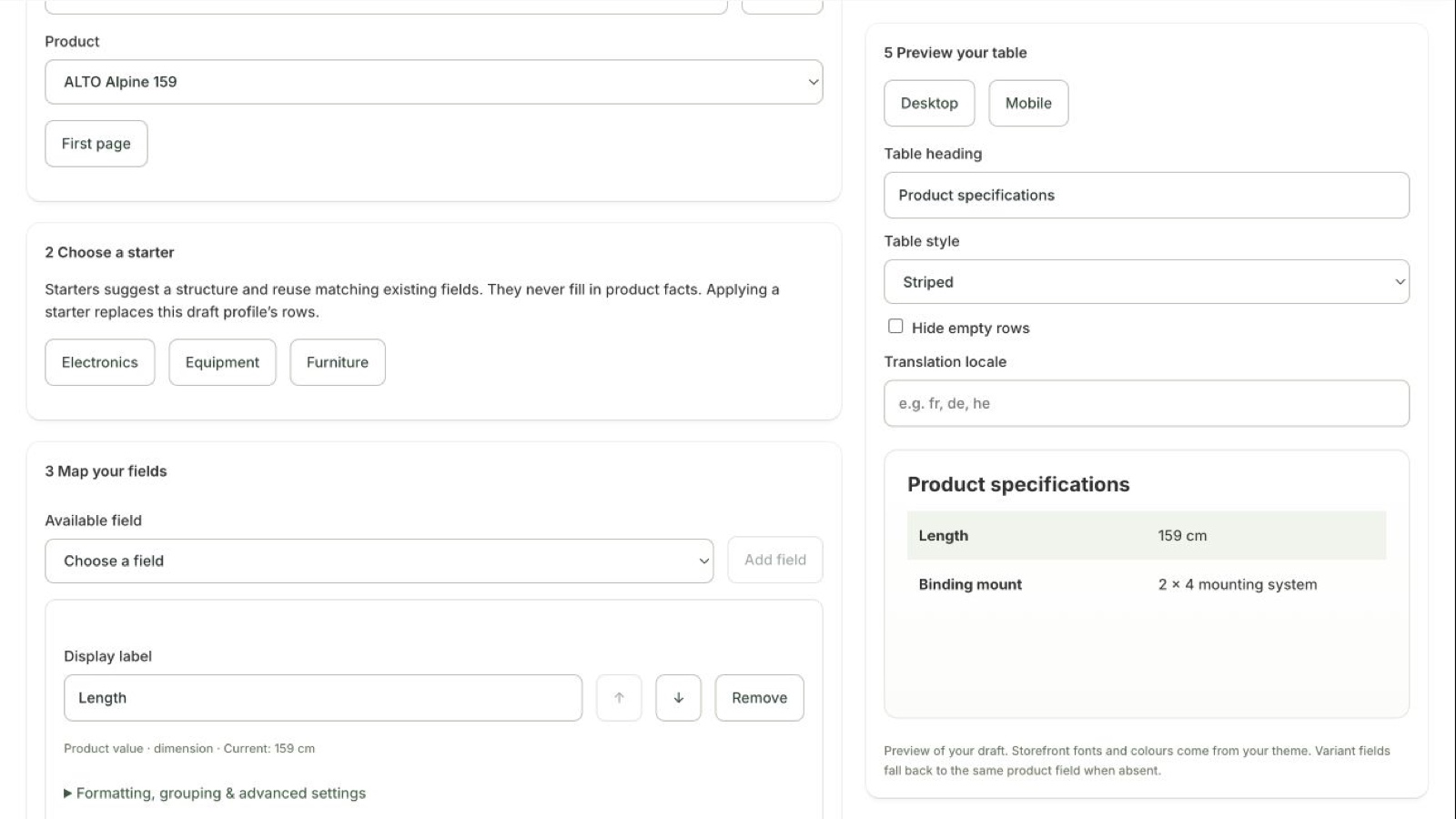
SIMPLE BY DESIGN
Choose the fields, order them the way shoppers think, and preview the result. Pick Clean, Striped or Bordered to fit your product page.
UP AND RUNNING IN MINUTES
Pick the product fields customers ask about.
Name the rows and choose a clean table style.
Add the block to your product page in the theme editor.
Works with Online Store 2.0 themes that support app blocks.
MADE FOR REAL-WORLD CATALOGS
CLEAR DETAILS. BETTER PRODUCT PAGES.
Start with the product information you already have.
Install SpecPebble free